iOS/설명
[iOS] NSAttributedString에 image넣기
Sky Titan
2022. 7. 15. 20:30
728x90
NSAttributedString에 image넣기
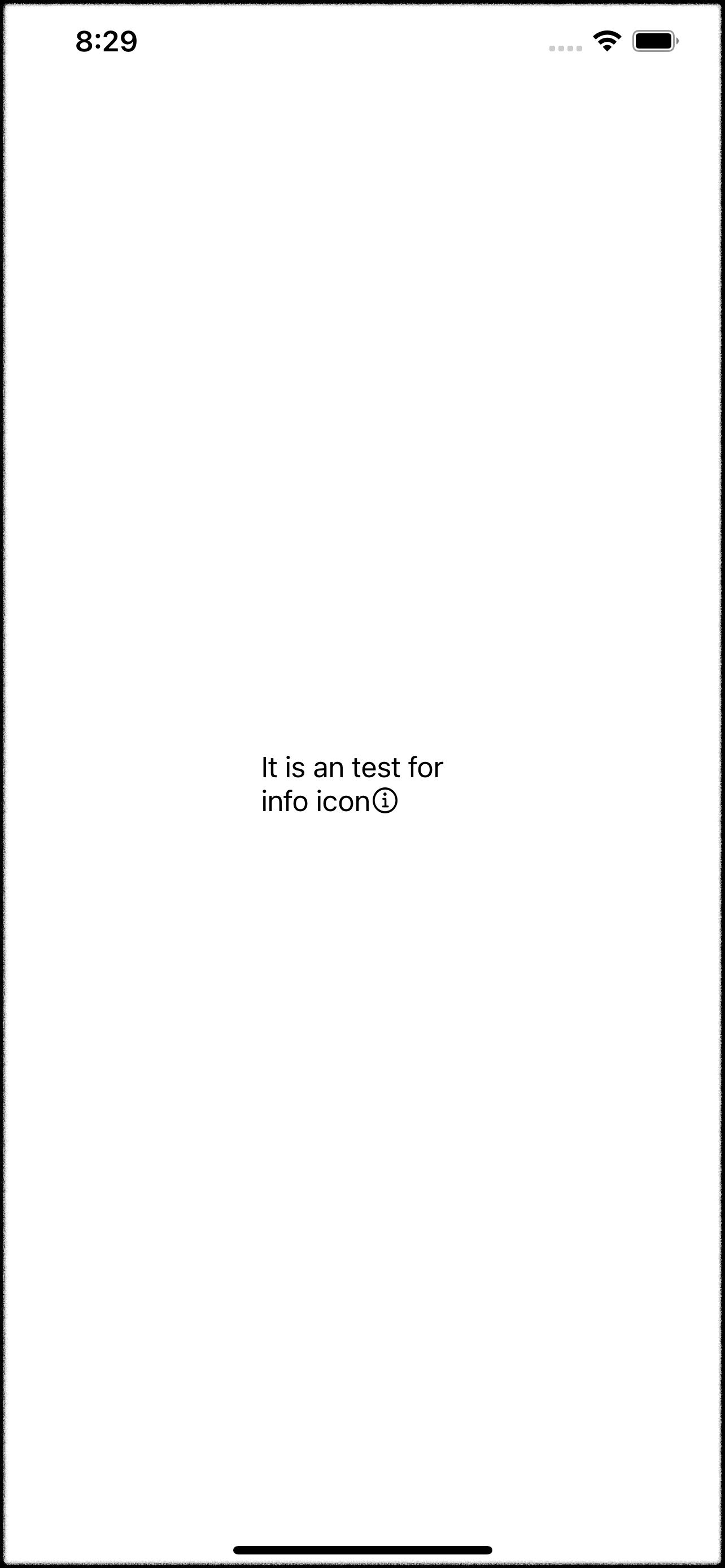
- NSTextAttachment를 이용하면 NSAttributedString에 image를 text에 추가할 수 있다.
class ViewController: UIViewController {

    @IBOutlet weak var label: UILabel!

    override func viewDidLoad() {
        super.viewDidLoad()
        label.attributedText = imageAttributedString(string: "It is an test for info icon")
    }

    func imageAttributedString(string: String) -> NSAttributedString {
        let attributedString = NSMutableAttributedString(string: string, attributes: [.font: UIFont.systemFont(ofSize: 17)])

        // image attachment가 들어간 attributedString을 append
        attributedString.append(.attachAttributed(CGRect(x: 0, y: -2, width: 17, height: 17), attach: UIImage(systemName: "info.circle")))
        return attributedString
    }

}


extension NSAttributedString {
	// image가 들어간 attachment를 가진 NSAttributedString 생성
    static func attachAttributed(_ bounds: CGRect, attach image: UIImage?) -> NSAttributedString {
        let attachment = NSTextAttachment()
        attachment.image = image
        attachment.bounds = bounds
        return NSAttributedString(attachment: attachment)
    }
}
NSTextAttachment Image 수직 정렬하기
top
let bound: CGRect = CGRect(x: 0, y: (font.capHeight - image.size.height), width: image.size.width, height: image.size.height)
center
let bound: CGRect = CGRect(x: 0, y: (font.capHeight - image.size.height) / 2, width: image.size.width, height: image.size.height)
bottom
let bound: CGRect = CGRect(x: 0, y: 0, width: image.size.width, height: image.size.height)728x90