iOS/이슈
[iOS Issue] CLLocationManager 사용 시 주의할 점
Sky Titan
2022. 5. 30. 22:21
728x90
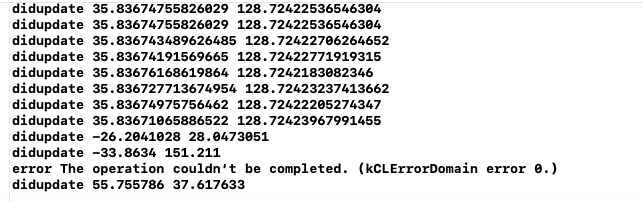
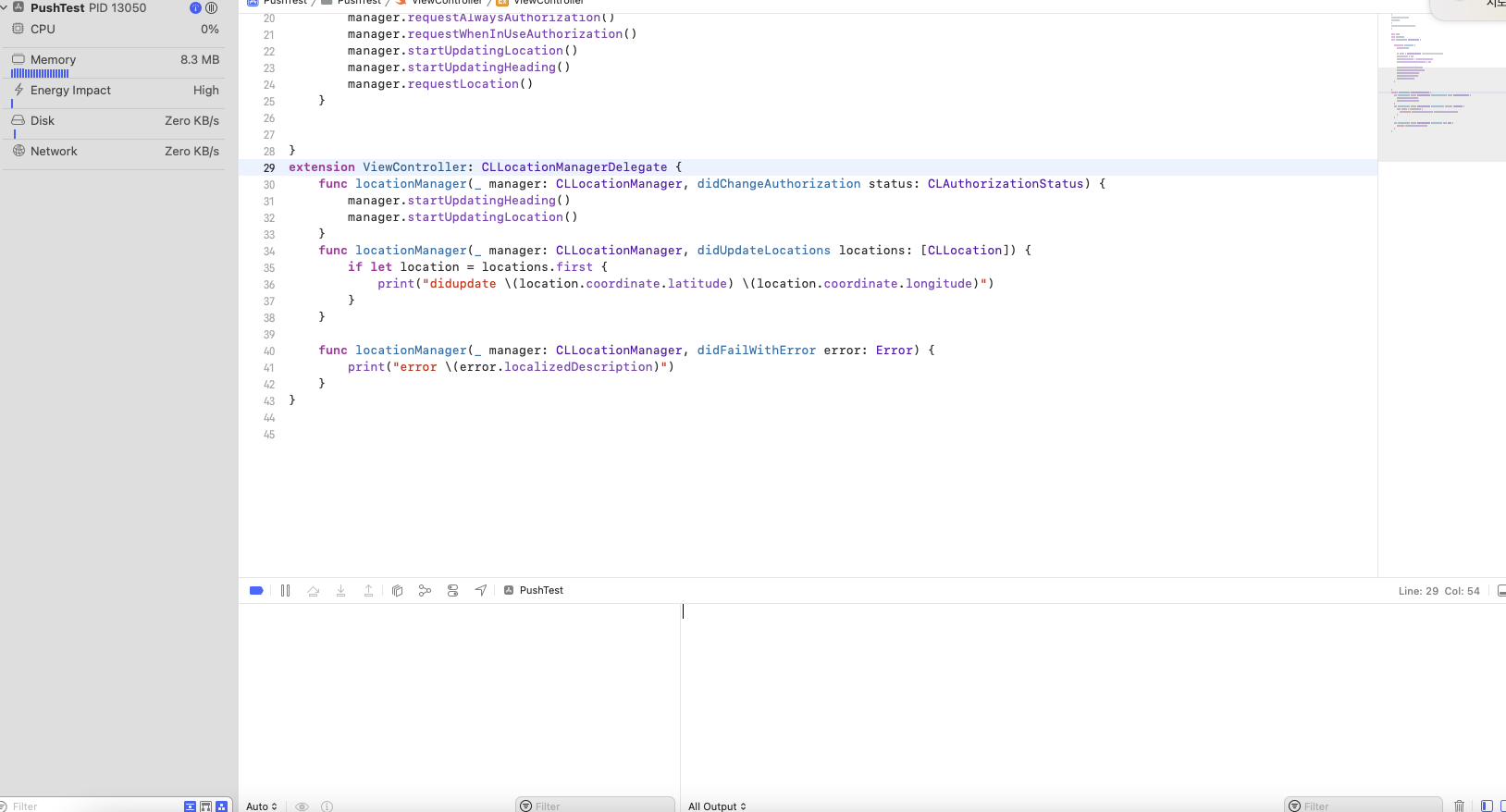
CLLocationManager 객체를 생성 후 사용 시, manager 인스턴스의 참조를 어딘가에 보관해놓아야 한다. 아니면 local변수로 함수에서 선언하기만 하면 함수 종료 시 인스턴스가 메모리에서 해제되어 버려서 관련 기능들을 사용할 수가 없다(location update, 권한 얻기 등등)
정상 동작 코드
import UIKit
import CoreLocation
class ViewController: UIViewController {
    let manager = CLLocationManager() // 프로퍼티로 저장

    override func viewDidLoad() {
        super.viewDidLoad()
        manager.delegate = self
        manager.desiredAccuracy = kCLLocationAccuracyBest
        manager.allowsBackgroundLocationUpdates = true
        manager.requestWhenInUseAuthorization()
        manager.startUpdatingLocation()
    }


}
extension ViewController: CLLocationManagerDelegate {

    func locationManager(_ manager: CLLocationManager, didUpdateLocations locations: [CLLocation]) {
        if let location = locations.first {
            print("didupdate \(location.coordinate.latitude) \(location.coordinate.longitude)")
        }
    }

    func locationManager(_ manager: CLLocationManager, didFailWithError error: Error) {
        print("error \(error.localizedDescription)")
    }
}
비정상 동작 코드
import UIKit
import CoreLocation
class ViewController: UIViewController {

    override func viewDidLoad() {
        super.viewDidLoad()
        let manager = CLLocationManager() // viewDidLoad 종료 시 메모리에서 해제됨
        manager.delegate = self
        manager.desiredAccuracy = kCLLocationAccuracyBest
        manager.allowsBackgroundLocationUpdates = true
        manager.requestWhenInUseAuthorization()
        manager.startUpdatingLocation()
    }


}
extension ViewController: CLLocationManagerDelegate {

    func locationManager(_ manager: CLLocationManager, didUpdateLocations locations: [CLLocation]) {
        if let location = locations.first {
            print("didupdate \(location.coordinate.latitude) \(location.coordinate.longitude)")
        }
    }

    func locationManager(_ manager: CLLocationManager, didFailWithError error: Error) {
        print("error \(error.localizedDescription)")
    }
}
728x90